PicoCTF Forensics [Easy]Easy
RED
#tutorial
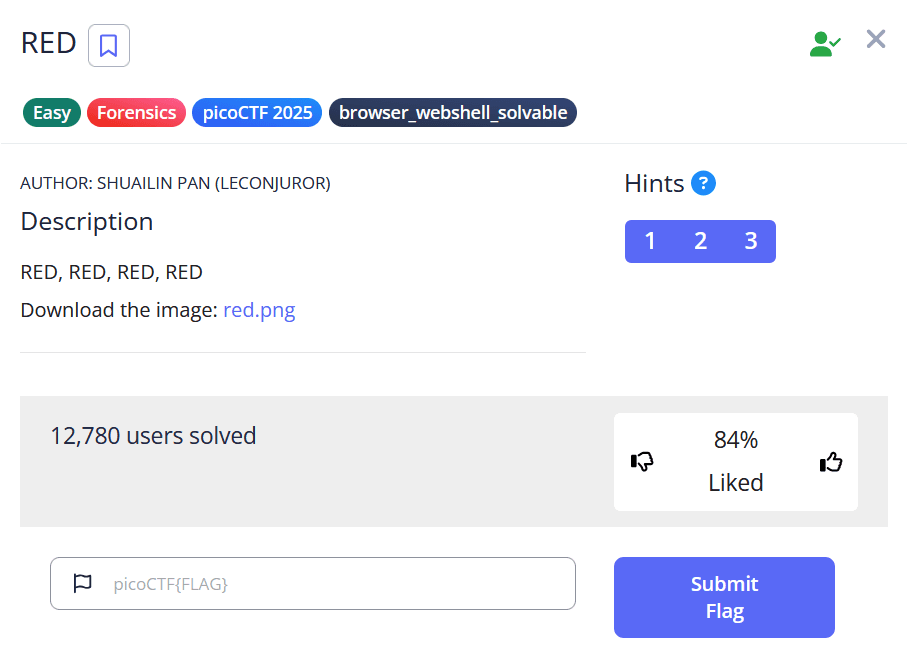
Challenge Description
Solution and Analysis
Download the picture by using the wget command as shown
wget https://challenge-files.picoctf.net/c_verbal_sleep/831307718b34193b288dde31e557484876fb84978b5818e2627e453a54aa9ba6/red.png
To analyze if any text or data hidden within the image we can use zsteg which is an open source steganography tool. Run the following command
└─$ zsteg -a red.png
A bunch of data might go past, scroll up to the very top you will get this text
cGljb0NURntyM2RfMXNfdGgzX3VsdDFtNHQzX2N1cjNfZjByXzU0ZG4zNTVffQ==cGljb0NURntyM2RfMXNfdGgzX3VsdDFtNHQzX2N1cjNfZjByXzU0ZG4zNTVffQ==cGljb0NURntyM2RfMXNfdGgzX3VsdDFtNHQzX2N1cjNfZjByXzU0ZG4zNTVffQ==cGljb0NURntyM2RfMXNfdGgzX3VsdDFtNHQzX2N1cjNfZjByXzU0ZG4zNTVffQ==
Just decode the text from base64 by using online tools such as cyberchef, to get the flag