PicoCTF Forensics [Easy]Easy
DISKO 1
#tutorial
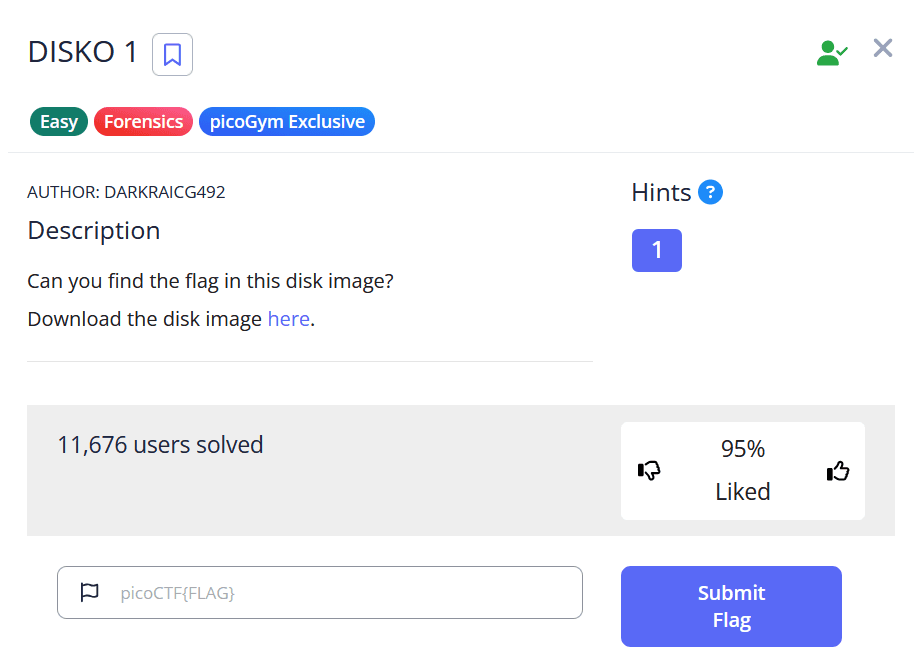
Challenge Description
Solution and analysis
Download the disk image by using the wget command as shown below
└─$ wget https://artifacts.picoctf.net/c/537/disko-1.dd.gz
To unzip the disko-1.dd.gz file, you can use the gunzip command in your terminal.
gunzip disko-1.dd.gz
This command will decompress the file, and you will be left with a file named disko-1.dd. The original .gz file will be removed
What to do with the disko-1.dd file
To get the flag just simply run this command, this filters out all the strings in the file with the word "picoCTF"
└─$ strings disko-1.dd | grep "picoCTF"
picoCTF{FLAG_IN_HERE}