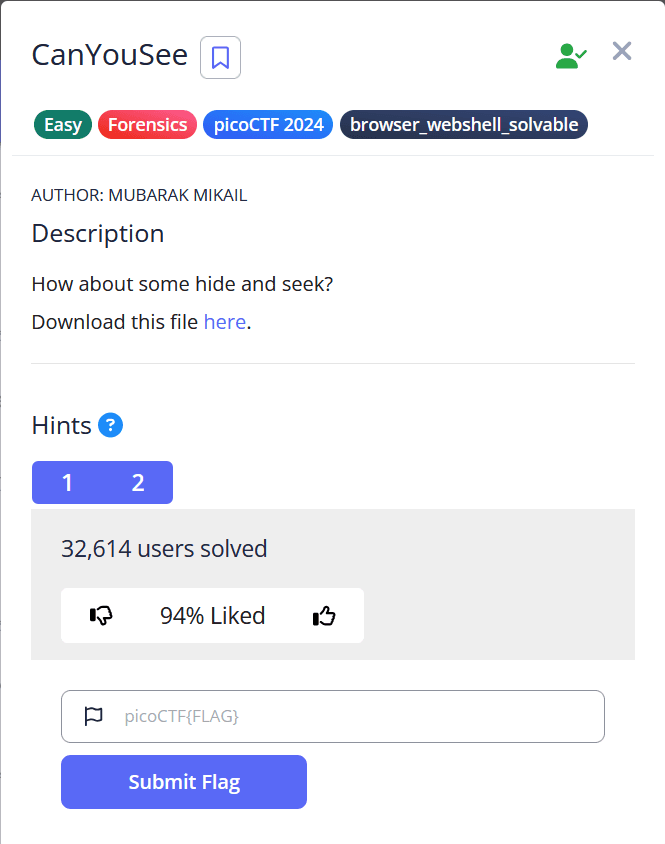
PicoCTF Forensics [Easy]Easy
CanYouSee
#tutorial
Challenge Description
Analysis and Solution
The first step is to analyze the file downloadeded. This can be done by the binwalk command as the file downloaded is a zip, it might contain any hidden files within itself
└─$ binwalk unknown.zip

DECIMAL       HEXADECIMAL     DESCRIPTION
--------------------------------------------------------------------------------
0             0x0             Zip archive data, at least v2.0 to extract, compressed size: 2252116, uncompressed size: 2263829, name: ukn_reality.jpg
2252274       0x225DF2        End of Zip archive, footer length: 22
Looks like there is one single image within the zip file, we can get this by using the unzip command as shown
└─$ unzip unknown.zip
Archive:  unknown.zip
  inflating: ukn_reality.jpg
Using the exiftool command we can check the metadata of the image.
└─$ exiftool ukn_reality.jpg
ExifTool Version Number         : 13.25
File Name                       : ukn_reality.jpg
Directory                       : .
File Size                       : 2.3 MB
File Modification Date/Time     : 2024:03:12 05:35:57+05:30
File Access Date/Time           : 2025:08:08 11:57:57+05:30
File Inode Change Date/Time     : 2025:08:08 11:57:47+05:30
File Permissions                : -rw-r--r--
File Type                       : JPEG
File Type Extension             : jpg
MIME Type                       : image/jpeg
JFIF Version                    : 1.01
Resolution Unit                 : inches
X Resolution                    : 72
Y Resolution                    : 72
XMP Toolkit                     : Image::ExifTool 11.88
Attribution URL                 : cGljb0NURntNRTc0RDQ3QV9ISUREM05fZDhjMzgxZmR9Cg==
Image Width                     : 4308
Image Height                    : 2875
Encoding Process                : Baseline DCT, Huffman coding
Bits Per Sample                 : 8
Color Components                : 3
Y Cb Cr Sub Sampling            : YCbCr4:2:0 (2 2)
Image Size                      : 4308x2875
Megapixels                      : 12.4
It seems the atribution URL might contain the flag and is base64 encoded, To decode this use the following command
└─$ echo "cGljb0NURntNRTc0RDQ3QV9ISUREM05fZDhjMzgxZmR9Cg==" | base64 --decode

picoCTF{FLAG_IN_HERE}
Submit the flag from the above code to complete the challenge